2. In the "Email" section, click on "Global Email Filters" Icon.

3. Under "Current Filters" You can see all of your existing filters, Click on "Edit" next to the appropriate one.
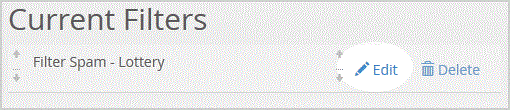
. Make the desired changes to the filter.
5.. "close" babies.
Manage your HostFactor account, services, and support requests from one secure place.